
Download PDF Reader: PDF Editor & Converter – PDF Reader, PDF Editor, PDF Converter, PDF Tool, PDF Utility, PDF for Android
Overview
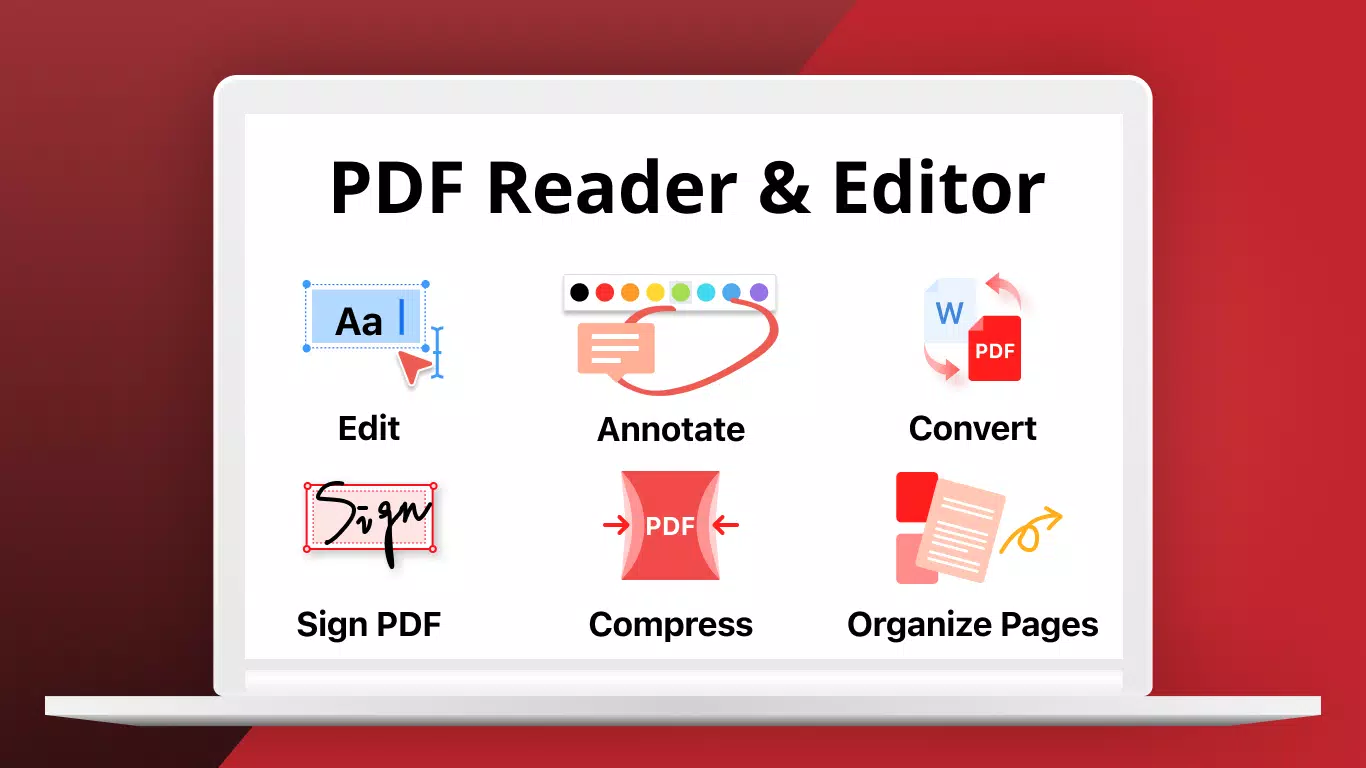
PDF Reader: PDF Editor & Converter is a mobile application tailored for users seeking a reliable and feature-rich solution for managing PDF documents on Android devices. Designed to support both casual and professional workflows, the app enables users to view, annotate, edit, and convert PDF files directly from their smartphones or tablets. Its core purpose lies in simplifying document handling, allowing users to interact with PDFs without the need for desktop software. This makes it particularly useful for students reviewing lecture notes, professionals preparing reports, or anyone managing digital paperwork on the go.
The app addresses common pain points such as limited PDF interaction on mobile, the need for quick edits, and the inability to convert documents efficiently. With built-in tools for searching, navigating, and modifying content, it reduces dependency on external software. The developer, PDF ELF, has positioned this app as a comprehensive utility within the Android productivity ecosystem.
Although specific details about the company’s background were not provided, the app’s consistent release history and functional design suggest a focused development approach. Real-world use cases include organizing academic materials, reviewing contracts, or preparing presentations by converting PDFs to editable formats. In a digital-first environment, having a capable PDF tool on mobile enhances efficiency and accessibility.
Key Features & Functionality
- Multiple Viewing Options: Users can switch between Single Page and Continuous Scrolling modes, optimizing the reading experience based on content type and personal preference. This flexibility improves readability, especially for long documents.
- Text Search & Thumbnail Navigation: The app includes a built-in search function that quickly locates keywords across pages, while thumbnail previews allow rapid page switching, significantly reducing navigation time.
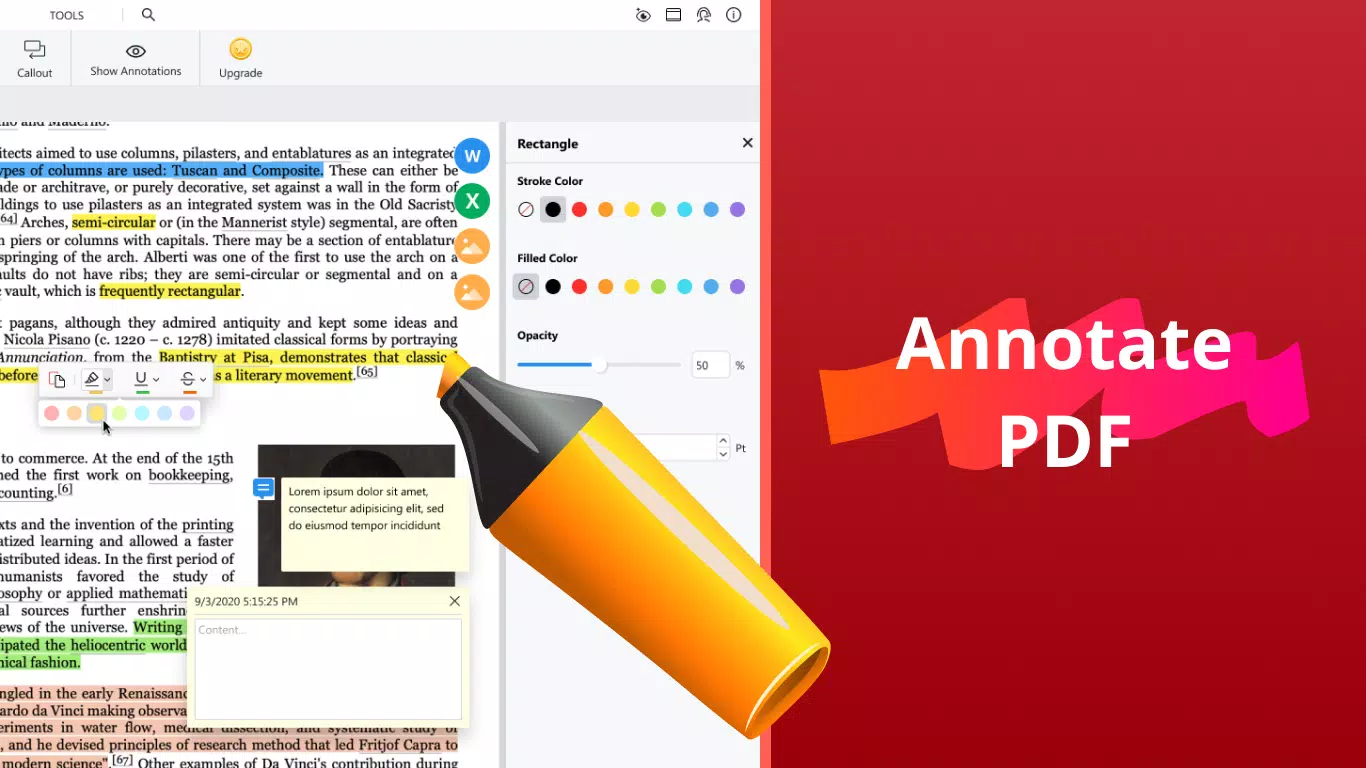
- Comprehensive Annotation Tools: Advanced features such as highlighting, underlining, strike-through, freehand drawing, text boxes, and anchored notes support detailed document markup, ideal for collaborative review or personal study.
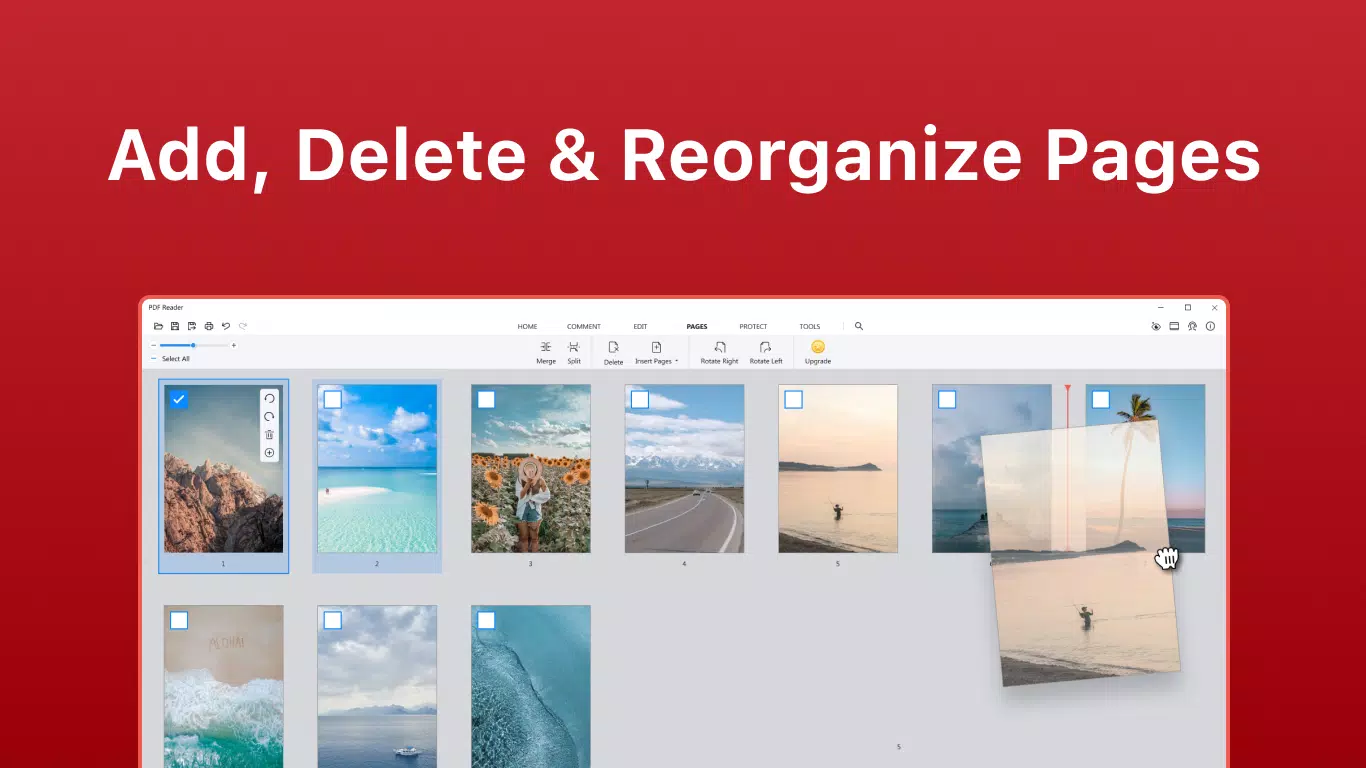
- Flexible PDF Editing: Users can merge multiple PDFs, split documents into sections, extract specific pages, or delete and insert pages. These capabilities streamline document organization and customization.
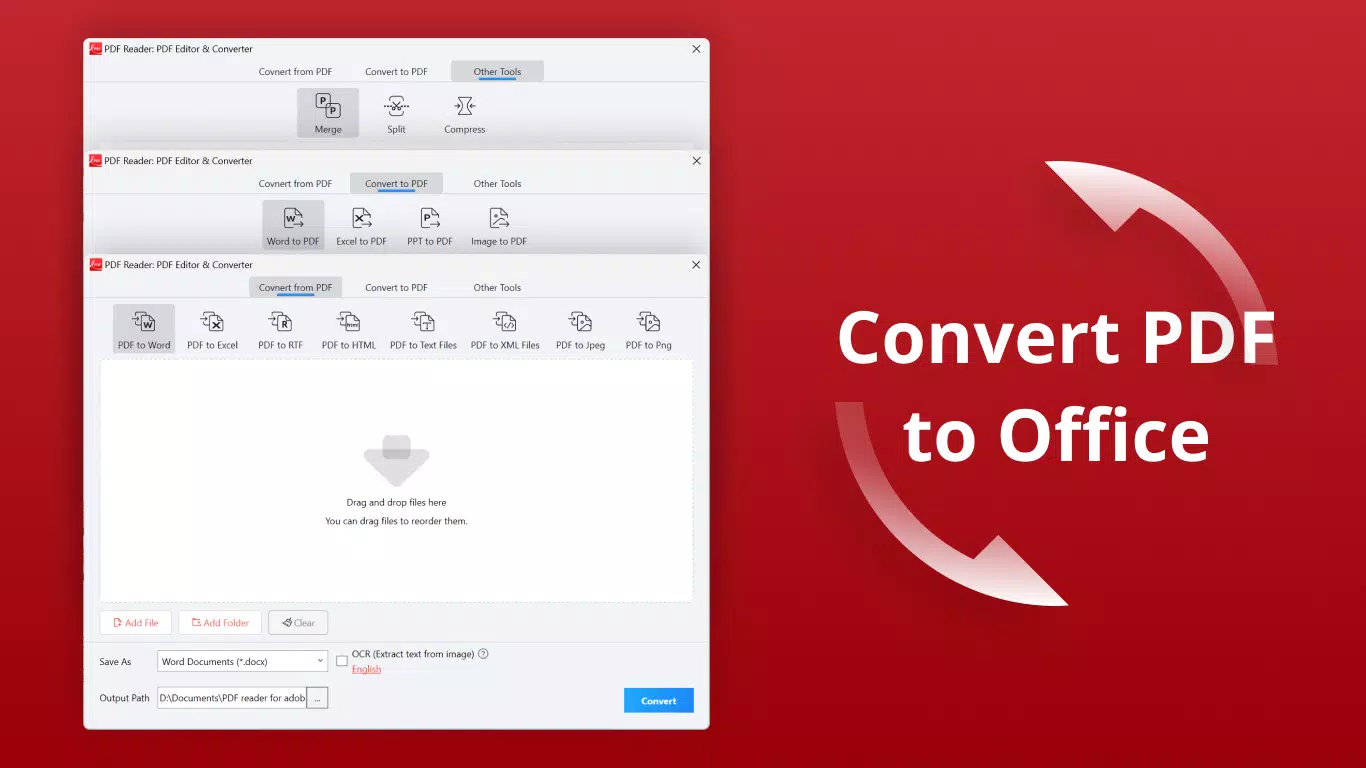
- Robust Conversion Capabilities: The app supports conversion between PDF and popular formats like Word, Excel, PNG, and JPG. While certain advanced conversion options are restricted to premium users, the available formats ensure broad compatibility across platforms.
- Premium Subscription Access: PDF ELF Premium unlocks additional tools such as advanced editing features and enhanced conversion options. Users may choose between subscription plans or a one-time purchase, offering flexibility based on usage needs.
For example, a student could use the annotation tools to mark key points in a research paper, then convert the annotated version to a Word document for further editing. A business user might merge several contracts into one file, extract a single clause, and convert it to an image for sharing. These real-world applications demonstrate the app’s practical value across different user profiles.
Interface, UX & Performance
The app features a clean, intuitive interface that prioritizes ease of access to core functions. Navigation is structured around a central menu with clearly labeled icons, allowing users to switch between viewing, editing, and conversion modes seamlessly. The visual style is minimalistic, with a neutral color palette that reduces visual clutter and enhances focus on document content. Touch responsiveness is smooth, with minimal lag during page transitions and tool selection.
Although the developer did not list formal performance metrics, the app’s ability to handle multiple-page documents and complex annotations suggests optimized resource management. It performs reliably across various Android device categories, from budget smartphones to high-end tablets. Stability appears consistent during extended use, with no reported crashes or freezes in standard operations.
The app maintains fast loading times for documents under 100 pages, and the interface remains responsive even when multiple layers of annotations are applied. Users can expect a stable experience with predictable behavior across different screen sizes and orientations. Overall, the UX design supports both novice and experienced users, minimizing the learning curve while delivering powerful functionality.
Platform Compatibility & Technical Requirements
PDF Reader: PDF Editor & Converter is available exclusively on the Android platform. The current version is 4.1.3, with a file size of 42MB, making it lightweight and suitable for devices with limited storage. The developer did not specify minimum OS requirements, nor did they provide details about supported hardware specifications.
Compatibility information was not fully disclosed, so users should ensure their device meets general Android standards for running productivity applications. The app is free to download and install, with optional in-app purchases for premium features. It is optimized for touch-based interaction and supports both portrait and landscape orientations.
Pros and Cons
Pros
- Intuitive interface designed for easy navigation and quick access to core functions.
- Comprehensive set of tools for viewing, annotating, editing, and converting PDFs.
- Supports multiple viewing modes and efficient navigation via search and thumbnails.
- Lightweight file size (42MB) suitable for devices with limited storage.
- Offers both subscription and one-time purchase options for premium features.
Cons
- Advanced conversion and editing features require a premium subscription.
- Specific system requirements were not listed by the developer.
- Some users may find the lack of cloud integration or cross-device sync limiting.
- Performance on older Android devices may vary without official compatibility details.
- No public information about update frequency or long-term development plans.
FAQ
Is PDF Reader: PDF Editor & Converter free to use?
Yes, the app is available at no cost. However, certain advanced features such as enhanced conversion tools and detailed editing options are accessible only through a premium subscription or one-time purchase.
Can I convert PDFs to Word or Excel using this app?
Yes, the app supports conversion between PDF and popular formats including Word, Excel, PNG, and JPG. Some conversion features may require a premium account.
Is the app safe to download and install?
Yes, the app is distributed through official Android channels and does not require root access. It is recommended to download from trusted sources to ensure a secure installation.
Does the app support cloud storage integration?
The developer did not provide information about cloud storage connectivity. Users may need to manage files manually via device storage.
How often is the app updated?
Specific update frequency was not disclosed. The latest version available is 4.1.3, released on March 26, 2021.
Final Thoughts
PDF Reader: PDF Editor & Converter stands out as a powerful, accessible tool for managing PDFs on Android. Its blend of viewing, annotation, editing, and conversion features makes it a valuable asset for students, professionals, and everyday users. The clean interface and efficient workflow reduce friction in document handling, while the lightweight design ensures broad compatibility.
Although premium features are locked behind a paywall, the free version offers substantial functionality for most common tasks. For anyone seeking a reliable PDF utility on their smartphone or tablet, this app delivers strong value. It’s especially suited for users who need a portable solution for organizing, reviewing, and transforming documents without relying on desktop software.
Download PDF Reader: PDF Editor & Converter now


